
Easy Installation
Install from Chrome Web Store in just a few clicks. Start using immediately.
Send review requests directly from GitHub Pull Request pages to Slack. Streamline your team's code review process.
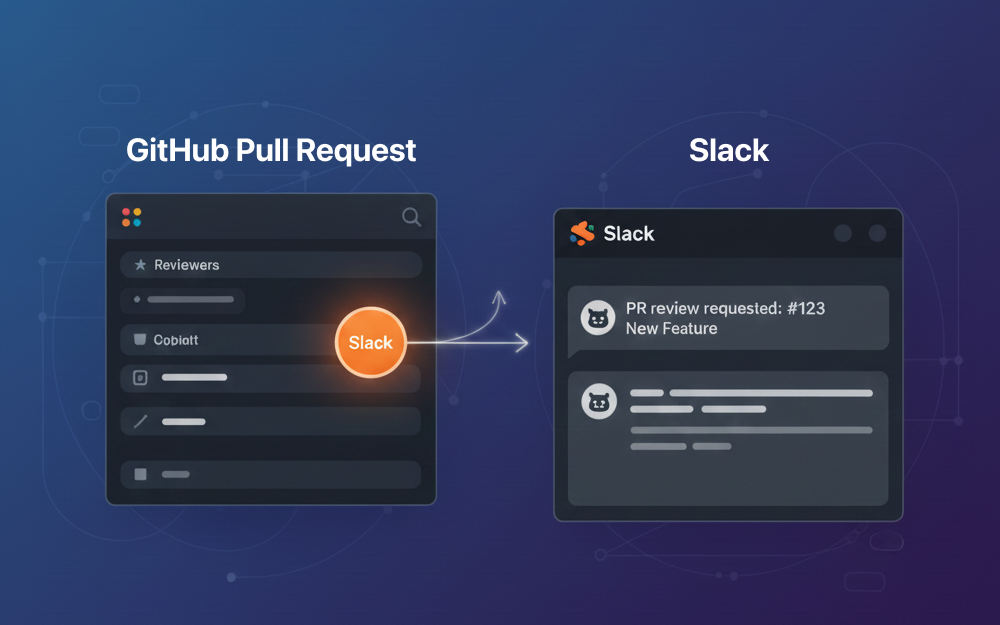
Simple and easy-to-use tools for team development
Install from Chrome Web Store in just a few clicks. Start using immediately.
Securely connect to your Slack workspace via OAuth. Tokens are encrypted and stored safely.
Just open the extension on a GitHub PR page. Select a channel and send - it's that simple.
PR information is formatted nicely and delivered to Slack. Mention reviewers directly.
Easy setup in 4 simple steps

Install "Yabumi for Slack" from the Chrome Web Store
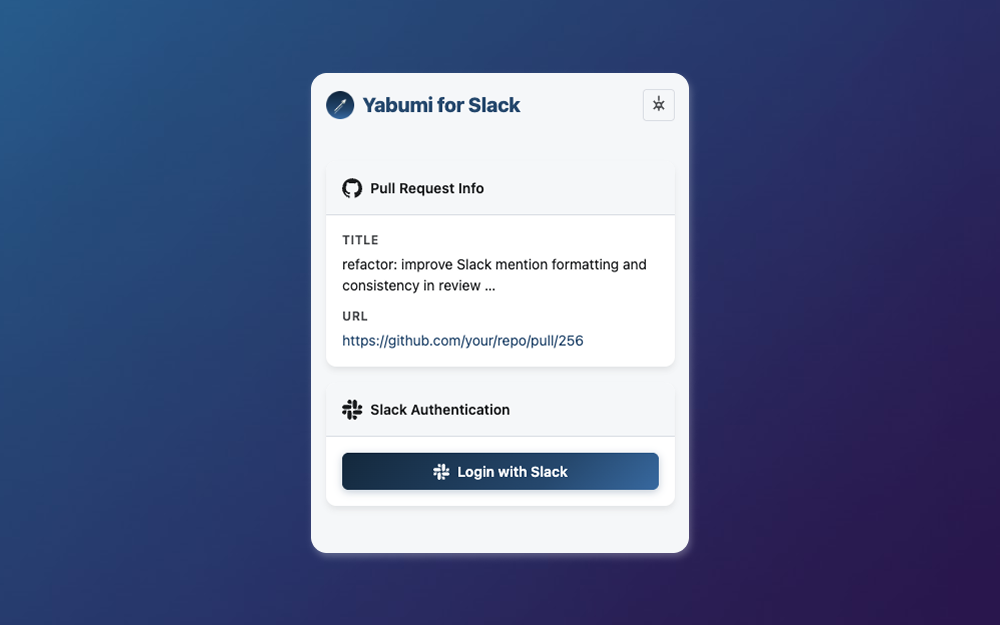
Open the extension and click "Login with Slack"

Click the extension icon on the GitHub PR page you want to request a review for
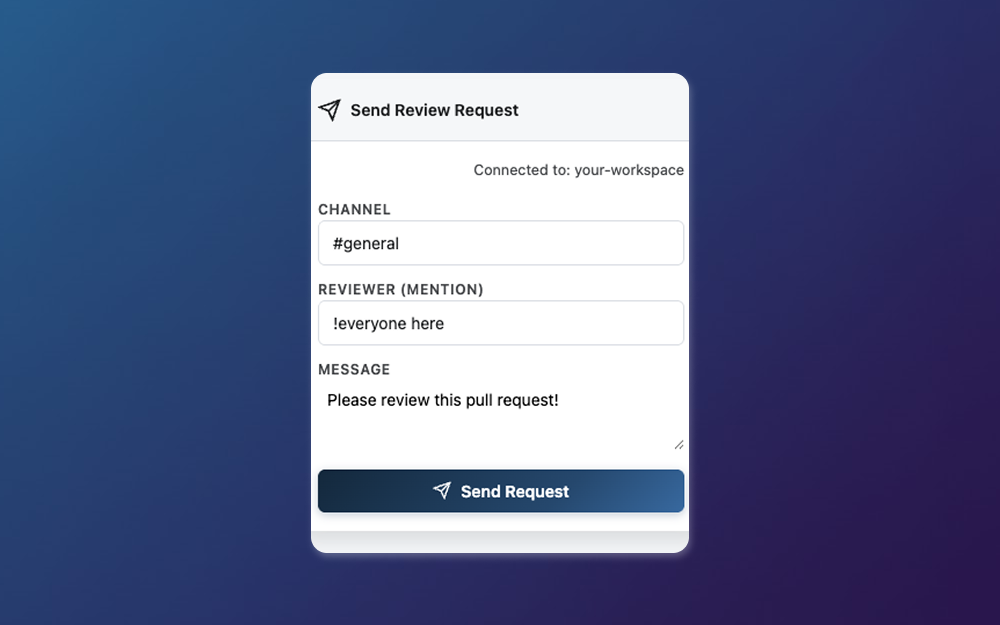
Choose the destination channel and reviewers, then click "Send Request"